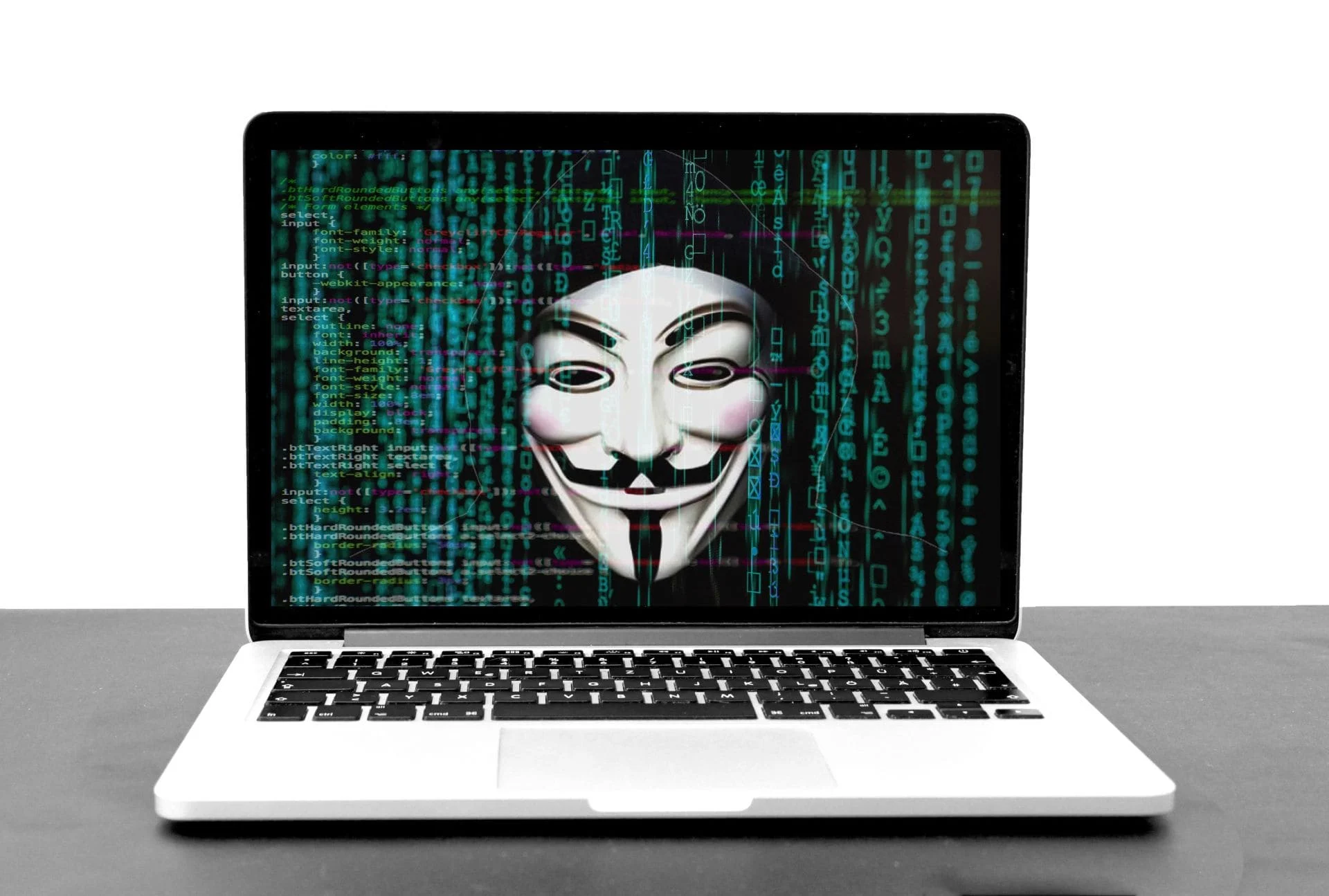
Nobody builds a website thinking “I hope this gets hacked.” But for thousands of small business owners every year, that’s exactly what happens — often without them realising it until the damage is already done.
WordPress powers around 40% of all websites on the internet. That makes it the most popular website platform in the world by a long way. It also makes it the most targeted.
The good news is that a hacked WordPress site is almost always a preventable WordPress site. The vulnerabilities hackers exploit are well known, and the fixes are straightforward — if someone is actually taking care of your site.
Here’s what you need to know.
Why WordPress Sites Get Hacked
Let’s clear something up first: hackers aren’t personally targeting your small business. They’re not sitting in a dark room with a grudge against your plumbing company or your dog grooming salon.
What they’re doing is running automated tools that scan hundreds of thousands of websites simultaneously, looking for known weaknesses. Sites that haven’t been updated. Plugins with security holes. Weak passwords. Outdated software. When a vulnerability is found, it gets exploited — automatically, instantly, and without anyone giving your business a second thought.
This is actually reassuring in one way: you’re not being singled out. But it also means the size of your business offers zero protection. A five-page local business website is just as exposed as a major e-commerce platform if it’s not properly maintained.
The Most Common Vulnerabilities
Outdated plugins. This is the number one cause of WordPress hacks. Plugins are small pieces of software that add functionality to your site — contact forms, galleries, SEO tools, booking systems. Every plugin is a potential entry point, and every plugin needs regular updates to stay secure. There are over 59,000 plugins in the WordPress directory. Developers patch security vulnerabilities regularly — but only sites that apply those updates are protected.
Outdated WordPress core and themes. The WordPress software itself and the theme controlling your site’s appearance both need updating regularly for the same reasons. Running old versions is like leaving a known unlocked door in your building and hoping nobody tries it.
Weak passwords. “admin” as a username and “password123” as a password sounds like an obvious mistake, but you’d be surprised how many sites are still running credentials like these. Automated attacks try thousands of common username and password combinations in minutes.
No two-factor authentication. A strong password alone is better than a weak one, but two-factor authentication — where logging in requires a second confirmation step on your phone — makes brute force attacks far harder to execute.
No SSL certificate. The padlock symbol in your browser’s address bar indicates an SSL certificate is in place, encrypting data between your site and its visitors. Sites without one are flagged as “not secure” by browsers — which puts customers off and signals to Google that your site isn’t trustworthy.
What Actually Happens When a Site Gets Hacked
People imagine a hacked website means the homepage gets replaced with a threatening message. Sometimes that happens. But most of the time, a hacked site shows no obvious signs at all — at least not to you.
Here’s what’s more commonly going on behind the scenes:
Your site is being used to send spam. Hackers inject code that turns your website into a spam-sending machine, blasting thousands of emails from your domain. The first you know about it is when your email stops working because your domain has been blacklisted.
Malware is being served to your visitors. Your site silently delivers malicious software to anyone who visits it. Your visitors get infected. Google detects it and removes your site from search results entirely.
Your customers’ data is being harvested. Any information submitted through your site — contact forms, booking requests, anything — could be intercepted and collected.
Your site is redirecting visitors elsewhere. People click your website link and get sent to a gambling site, a scam page, or worse. You don’t see it because hackers often only redirect visitors on mobile devices or those arriving from Google — so testing it yourself from a desktop shows nothing wrong.
In every one of these scenarios, the damage to your reputation and your Google rankings can take months to undo — even after the hack is fixed.
“But I’d Know If My Site Was Hacked, Wouldn’t I?”
This is the assumption that gets most small business owners into trouble.
The honest answer is: probably not. Not quickly, anyway.
Unless someone tells you — a customer, a browser warning, Google sending a Search Console alert — a compromised site can run infected for weeks or months. The signs are often invisible to the naked eye and only apparent when you know what to look for technically.
This is one of the strongest arguments for having someone actively monitoring your site rather than just hoping for the best.
What Proper Security Actually Looks Like
Securing a WordPress site isn’t about installing one magic plugin and considering it done. It’s an ongoing practice. A properly secured small business WordPress site should have:
- Regular software updates – WordPress core, themes, and all plugins kept current
- A reputable security plugin – actively scanning for malware, blocking suspicious login attempts, and alerting to unusual activity
- Strong, unique passwords and a non-default admin username
- Two-factor authentication on all admin accounts
- A valid SSL certificate – ensuring all data is encrypted
- Regular offsite backups – so if the worst does happen, your site can be restored quickly without starting from scratch
- Uptime and security monitoring – so problems are caught fast, not weeks later
None of this is complicated to set up if you know what you’re doing. And once it’s in place and maintained properly, it dramatically reduces the risk of your site being successfully targeted.
The Backup Safety Net
Even with every security measure in place, nothing is 100% guaranteed. That’s why backups are non-negotiable.
A recent, clean backup of your website means that a hack — however it happens — is a recoverable situation rather than a catastrophic one. Without a backup, a serious hack can mean losing your entire website and starting from scratch. With one, it’s a matter of restoring to a clean version and patching the vulnerability.
Backups should be stored offsite — not just on the same server as your website, because if the server is compromised, so are the backups stored on it.
The Honest Risk Assessment
If your WordPress website hasn’t been updated in the last few months, has no security monitoring in place, and you’re not sure when it was last backed up — it’s vulnerable. That’s not a scare tactic, it’s just the reality of how WordPress security works.
The question isn’t really whether a neglected site is at risk. It’s whether the risk catches up with it before someone starts looking after it properly.
Want to Know if Your Site Is at Risk?
Everything covered in this article — security monitoring, regular updates, offsite backups, SSL, two-factor authentication — is included as standard in my WordPress maintenance plans. You don’t need to manage any of it yourself or remember to check. It’s all taken care of, every month, by someone who knows your site personally.
Get in touch — let’s talk about getting your site properly protected.